Anchor Of Fog God Of War Location And Its Role In The Journey
In God of War, navigating the poisonous realm of Niflheim presents one of the most demanding endgame challenges for Kratos and Atreus. Among the rare resources hidden within Ivaldi's Workshop, the Anchor of Fog serves as a crucial key to completing the realm's ultimate trials. Understanding where to locate this elusive item and how to survive the mist is essential for players seeking full completion of the realm.
The maze of Niflheim is procedurally generated with each visit, forcing players to manage a constantly draining mist timer while battling hostile encounters. To locate high-tier materials, Kratos must venture beyond the initial chambers into the outer dead-end rooms of the labyrinth. These side chambers hold the toughest enemies but offer the greatest rewards.
Surviving deep runs requires equipping armor sets specifically crafted to resist the deadly fog. Players who regularly read daily gaming news often emphasize the importance of balancing timer-extending enchantments with high defensive stats when clearing Niflheim.
The Anchor of Fog does not spawn in standard chest locations throughout the main corridors of the labyrinth. Instead, it is found exclusively inside Legendary Chests located in the two specialized arena chambers at the far corners of the maze. These rooms are easily identifiable because they trigger mandatory mini-boss encounters before the chests can be opened.
Because the drop rate relies on opening multiple chests during a single run, players should increase their Mist Echoes count before opening the Legendary Chests. Clearing earlier rooms boosts the chance of securing an Anchor of Fog upon defeating the final arena wave.
The main purpose of collecting the Anchor of Fog is to unlock the three Realm Tears located in the central chamber of Ivaldi's Workshop. Each Realm Tear requires a specific combination of Mist Echoes and an Anchor of Fog to initiate the battle contained within. Unlocking all three tears is necessary to fully cleanse the workshop and claim powerful rewards.
Engaging these Realm Tears triggers intense combat challenges featuring elite enemies like Ogres and Witches. Successfully overcoming these encounters rewards Kratos with rare weapon upgrades, high-grade armor components, and crucial progress toward completing the overall realm favor.
To maximize your efficiency when searching for Anchors of Fog, establish a consistent loop through the maze. Start by clearing the introductory rooms to build up a high chest streak, which enhances luck and drop rates in the back chambers. Always prioritize health management and exit the maze before the fog meter depletes entirely.
Patience and strategy are vital when tackling Niflheim's hazardous environments. Upgrading Ivaldi's armor set early reduces fog damage, allowing Kratos to explore deeper into the peripheral arenas where Anchors of Fog reside.
Split Screen Co Op Games PS5 Worth Playing With Friends
Gathering on the couch for a shared multiplayer session remains one of the most satisfying ways to enjoy modern gaming hardware. The PlayStation 5 continues to build a strong selection of titles that support local split-screen play, leveraging high-frame-rate performance and DualSense features to enhance the experience. Whether you are looking for complex story campaigns or fast-paced casual action, playing side-by-side offers a unique level of engagement that online matchmaking simply cannot replicate.
For players who enjoy deep stories, It Takes Two stands out as a benchmark for cooperative game design on current-gen systems. Built from the ground up exclusively for two players, it constantly introduces new gameplay mechanics tied to its narrative theme of repair and connection. The inventive use of the PS5 DualSense controller adds tactile feedback to every puzzle solved together.
Another incredible story experience is Baldur's Gate 3, which brings full split-screen roleplaying directly to your living room console setup. Players can explore the vast world independently or combine forces during complex tactical turn-based combat encounters. Staying updated via daily gaming news helps gamers learn about performance patches that continuously optimize local multiplayer performance for expansive titles like this.
If your group prefers survival mechanics and intense combat, Don't Starve Together offers exceptional split-screen gameplay. Players must work in tandem to gather resources, construct shelters, and fend off nightmarish creatures as the seasons change. Clear communication and role division are mandatory if you hope to survive the brutal environmental hazards.
For fans of intense shooting mechanics, Call of Duty: Modern Warfare titles support traditional split-screen modes across various multiplayer battlefields. Sharing a screen allows for instant verbal callouts and physical strategy planning during intense firefights. The upgraded graphical power of the PS5 ensures smooth rendering even when processing two independent viewports simultaneously.
Overcooked! All You Can Eat compiles the entire chaotic cooking series into a single enhanced package built for modern hardware. Players must manage hectic kitchen environments, navigate dynamic moving hazards, and deliver orders under strict time limits. Its simple control scheme makes it approachable for players of all skill levels while maintaining a high skill ceiling.
Minecraft continues to be a staple for local split-screen creative sessions on PlayStation consoles. Supporting up to four players on a single display, it allows friends to build massive structures or embark on subterranean cave exploration together. The PS5 provides quick load times and vast draw distances that make cooperative building seamless and visually impressive.
To get the most out of your local cooperative sessions, ensure your display display is large enough to accommodate multiple viewports comfortably. Utilizing dynamic audio settings or separate headsets can also help each player track localized sound cues clearly. Investing in a second DualSense controller ensures both players enjoy identical haptic feedback and ergonomic comfort.
Selecting the right split-screen game ultimately depends on the dynamic of your playgroup and their preferred genres. From high-stakes strategic RPGs to quick party games, the PlayStation 5 library offers exceptional options for shared local fun. Grab a second controller and dive into these outstanding local co-op titles today.

how to open map rust Controls And Tips For Navigating The Map
Navigating the harsh landscapes of Rust requires a clear understanding of your surroundings, making the in-game map one of your most vital survival tools. Whether you are searching for resource monuments or avoiding hostile player territories, accessing key terrain details quickly can mean the difference between life and death. Staying updated with daily gaming news often highlights how environmental updates change land structures across popular survival servers.
By default, PC players can open the full-screen map interface by pressing the 'G' key on their keyboard. Holding down the key keeps the map open, while releasing or tapping it again toggles the overlay depending on your control settings. Console players on PlayStation or Xbox can access their map layout by pressing the dedicated View or Touchpad button.
If the keybind feels uncomfortable during intense combat situations, you can rebind it through the game settings menu. Customizing your controls allows for faster access while moving, ensuring you do not get caught off guard by nearby enemies. Always test your new keybind in a safe area before heading into high-risk monuments.
The Rust map is organized into a detailed grid system featuring alphanumeric coordinates along the top and side borders. These coordinates allow teammates to communicate precise meet-up spots and danger zones across the island effortlessly. Major landmarks like the Airfield, Dome, and Outpost are clearly labeled with unique icons for quick identification.
Understanding monument symbols helps you plan efficient looting runs while gauging potential player density in specific sectors. High-tier monuments typically attract heavily armed groups, so smaller teams should plan safer routes around quiet biomes. Pay close attention to vending machine markers as well, which signal active player trading shops across the terrain.
Never open your map while standing still in open areas where enemy snipers might be watching. Instead, find covered terrain such as dense bushes, rock formations, or your own secure base before checking your position. Crouching behind cover reduces your visual profile significantly while reviewing your intended travel path.
You can also use custom map markers to set waypoints for your squad during long-distance travels. Placing a marker paints a clear indicator on your compass bar at the top of the HUD screen, helping you maintain direction without reopening the map repeatedly. Utilizing this feature minimizes distractions, keeping your eyes focused on potential threats along the journey.
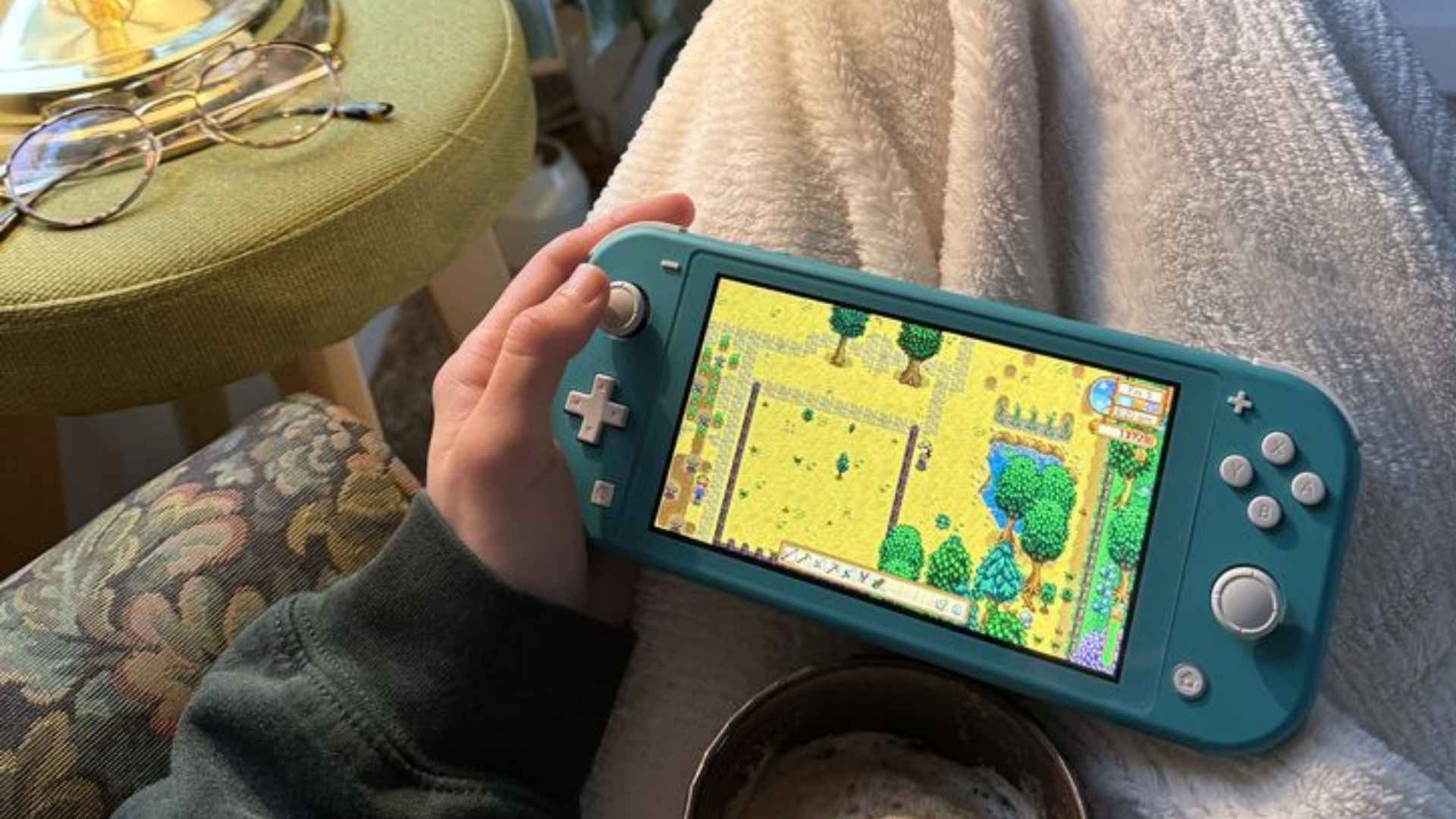
Harvest Moon Friends Of Mineral Town Cheats Complete Cheat Guide
Harvest Moon: Friends of Mineral Town remains one of the most beloved classic life simulation games on handheld consoles. While building a successful farm from scratch provides immense satisfaction, using cheat codes allows players to skip the tedious grinding and enjoy total freedom in managing their agricultural empire.
To use cheats in Harvest Moon: Friends of Mineral Town, players need an emulator capable of running GameShark or CodeBreaker formats. Simply navigate to the cheat menu within your emulator software, enter the designated code line, and enable it before resuming your gameplay session.
It is always recommended to back up your primary save file before enabling any modifications. Certain codes can cause minor visual glitches or overwrite items in your inventory if executed incorrectly.
Managing stamina and money are the two biggest obstacles during your early days on the farm. Utilizing max gold codes instantly grants your character full financial independence, enabling immediate property upgrades and livestock purchases.
Similarly, infinite stamina codes allow you to clear your entire farm plot, mine deep into caves, and tend to crops without fainting from exhaustion. This eliminates the need to constantly consume medicinal herbs or visit the local hot springs.
Building relationships with villagers and potential marriage candidates usually requires daily gifting over several in-game seasons. Affection modifier cheats allow you to max out heart levels instantly, letting you trigger heart events and secure a fast marriage proposal.
You can also use item and tool modification codes to obtain mythic tools, rare jewels, and fully upgraded farm structures without spending weeks gathering materials. Having instant access to high-tier gear drastically speeds up daily chores across every season.
When applying multiple codes, it is best to enable them one at a time rather than activating a massive list simultaneously. Turning off inventory-altering cheats right after securing the items prevents unwanted duplication or loss of valuable key items.
By saving your game frequently and testing each code individually, you can tailor your custom farming experience while preserving the game's overall stability.
Best Gaming Websites in The World